What should a business website help people do?
A website can provide a reference for services, previous work and contact information. Its content should explain what you do, who it suits and how to get in touch. Templates and photographs are useful when they make that information easier to understand.
Tarine includes areas for discovering and introducing businesses, buying and selling products, booking services, auctions and tenders. Website creation is one tool within that platform for presenting a business. This guide focuses on that capability.
Keep website and business information consistent
Your name, services, opening hours, location and contact options should be accurate. Someone arriving from the map or business directory needs enough information to contact or visit you. An outdated address or unclear description makes that decision harder even in an attractive layout.
Prepare a specific heading, a short explanation of the main service and relevant photographs. For example, “City-bike repairs in Tabriz” conveys more than a generic slogan. Explain service coverage and the next step for getting an assessment or arranging a visit.
Choose the relevant sales or booking workflow
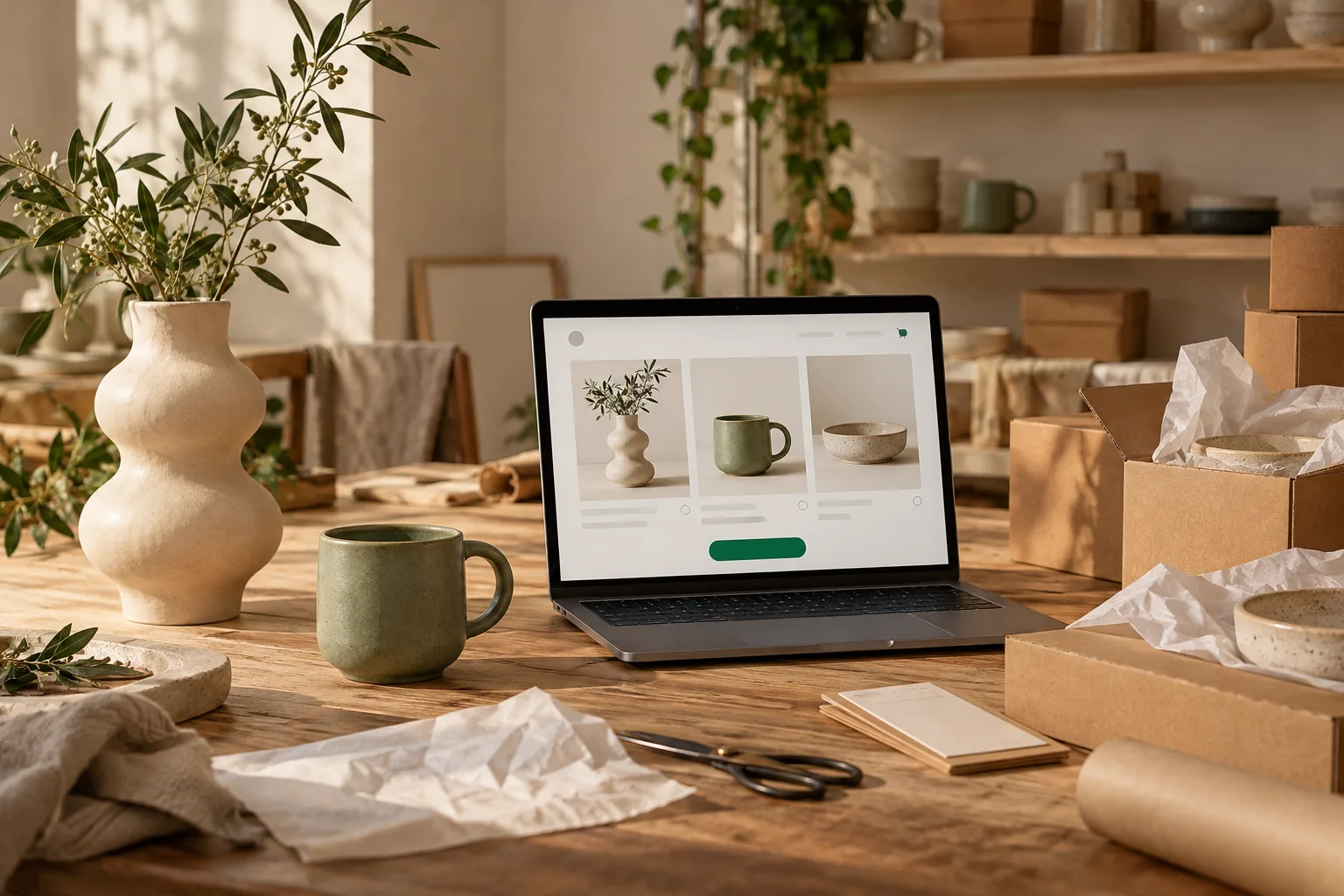
Product buyers need specifications, availability, ordering and delivery details. Customers booking a time-based service need a clear service description and available times. An introduction page cannot replace the information required to complete those tasks.
Identify your main need and review store or booking capabilities alongside your business content. The next step might be contacting you, choosing a product or reserving an appointment. Make the main page action lead to the appropriate workflow.
Review capabilities and conditions before choosing
When evaluating a free website offer, establish whether it is an ongoing plan or a trial and which features it includes. Read the provider’s domain, template, editing and support conditions. Free registration alone does not describe every capability.
For Tarine, match the chosen plan to your specific task. A business profile, website, store and booking tools may have different conditions. Review current service information and pricing for the capabilities you intend to use.
Publish a first version with real information
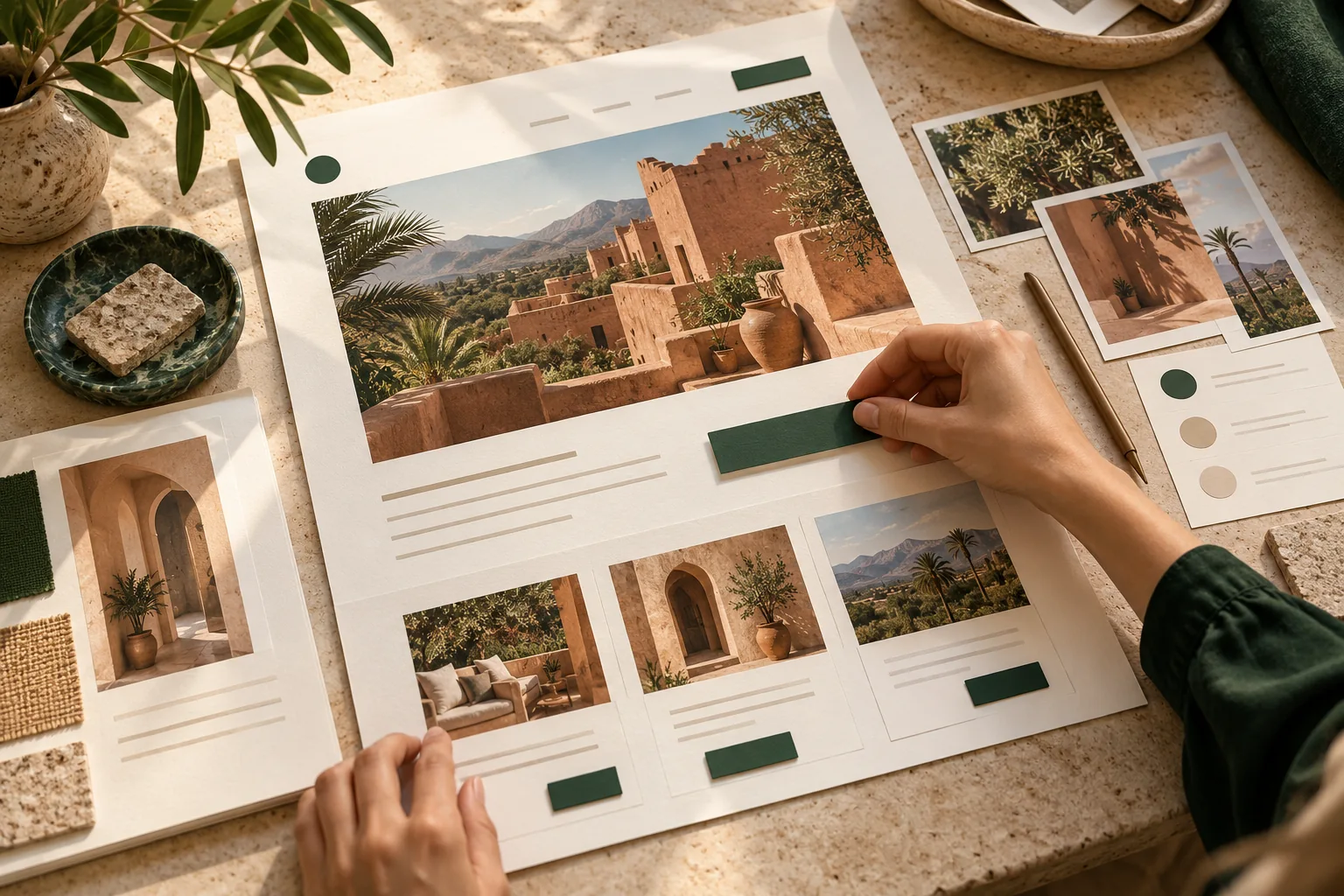
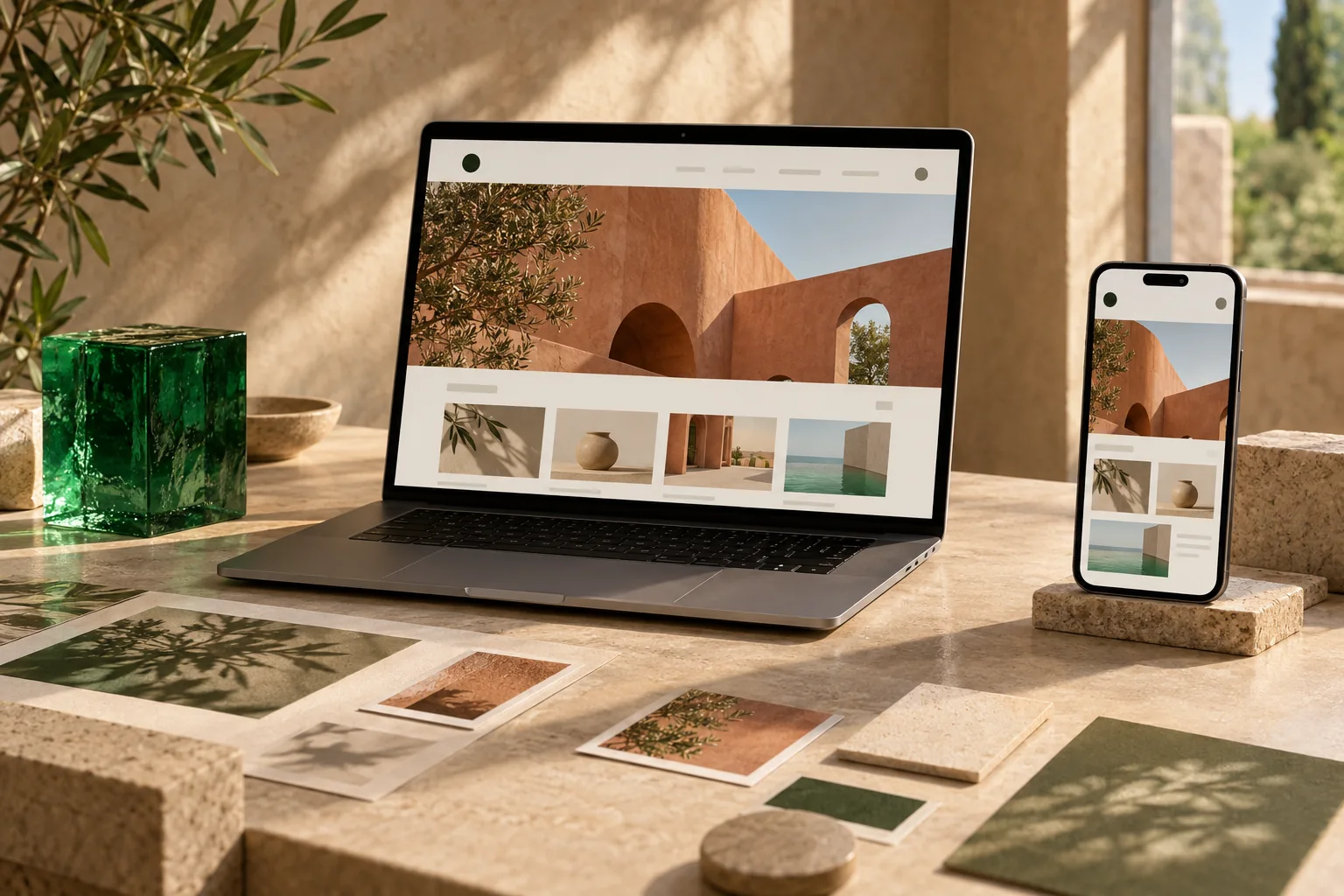
Review the template with your own text and photographs. Open contact details, location links and the main action on a phone, and identify information a customer still needs. Remove empty sections and unrelated photographs rather than filling space.
After publishing, collect customer questions and clarify the sections that cause confusion. Alongside your other tools, the website should make understanding and contacting the business easier. Reliable information matters more than the number of sections.