Prepare the information first
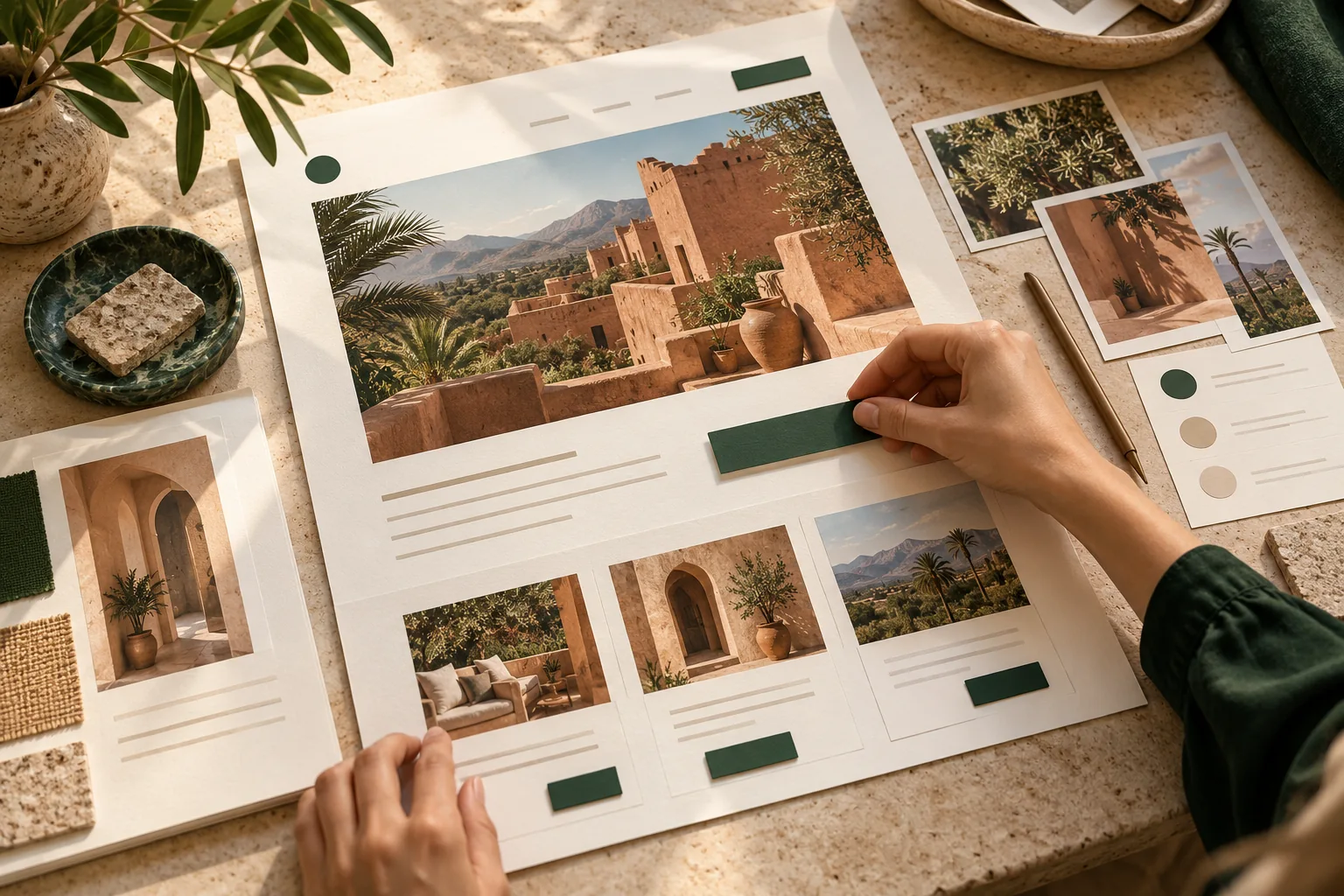
Collect your business name, short introduction, services, contact details, address and hours in your phone’s notes before opening the builder. This makes editing less fragile when switching between apps.
For products, prepare names, uses, important details and ordering terms separately. Structured notes are easier to paste into the correct sections than one long block of text.
Prepare usable phone photographs
Good light and a clear background matter more than heavy effects. Clean the lens and take a few stable photographs of the real product or location. Use landscape compositions for wide covers and useful detail angles for products.
Export appropriately sized images and inspect them after upload. Very large originals are not always needed. Keep the subject within a safe central area when the template crops images across devices.
Keep a publishing folder with recognizable filenames such as entrance, main service and recent work. Check that the template crop retains important details, and keep the original photographs separately so an unsuitable crop can be corrected.
Keep the structure manageable
Choose a template that fits your content with few small adjustments. Finish the heading, introduction and contact details before adding service sections and galleries. Save and review one section at a time.
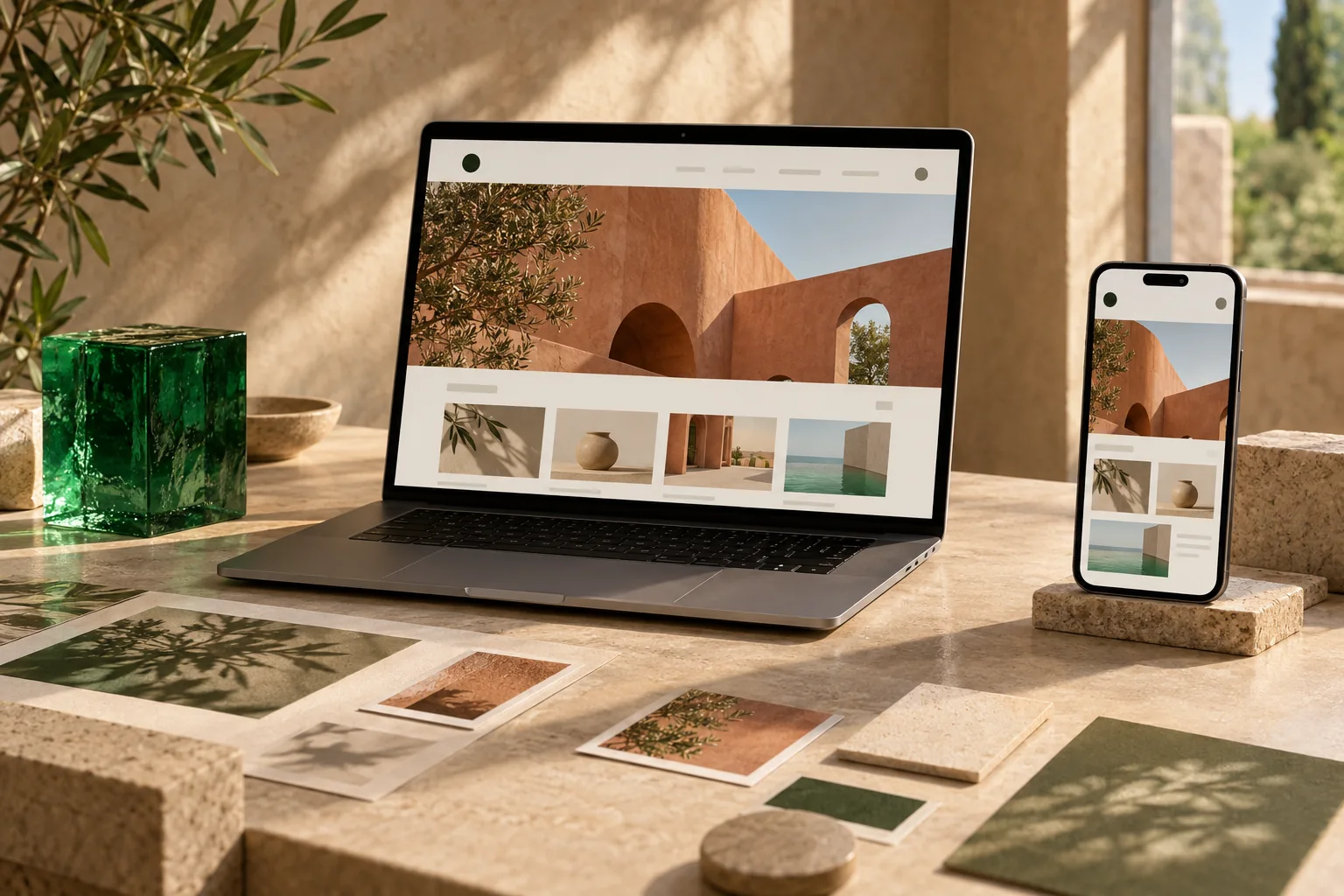
A phone can be a practical tool for a business page. Large product imports or long editing sessions may be easier on a computer, where you have more space to review information.
Test from a second phone
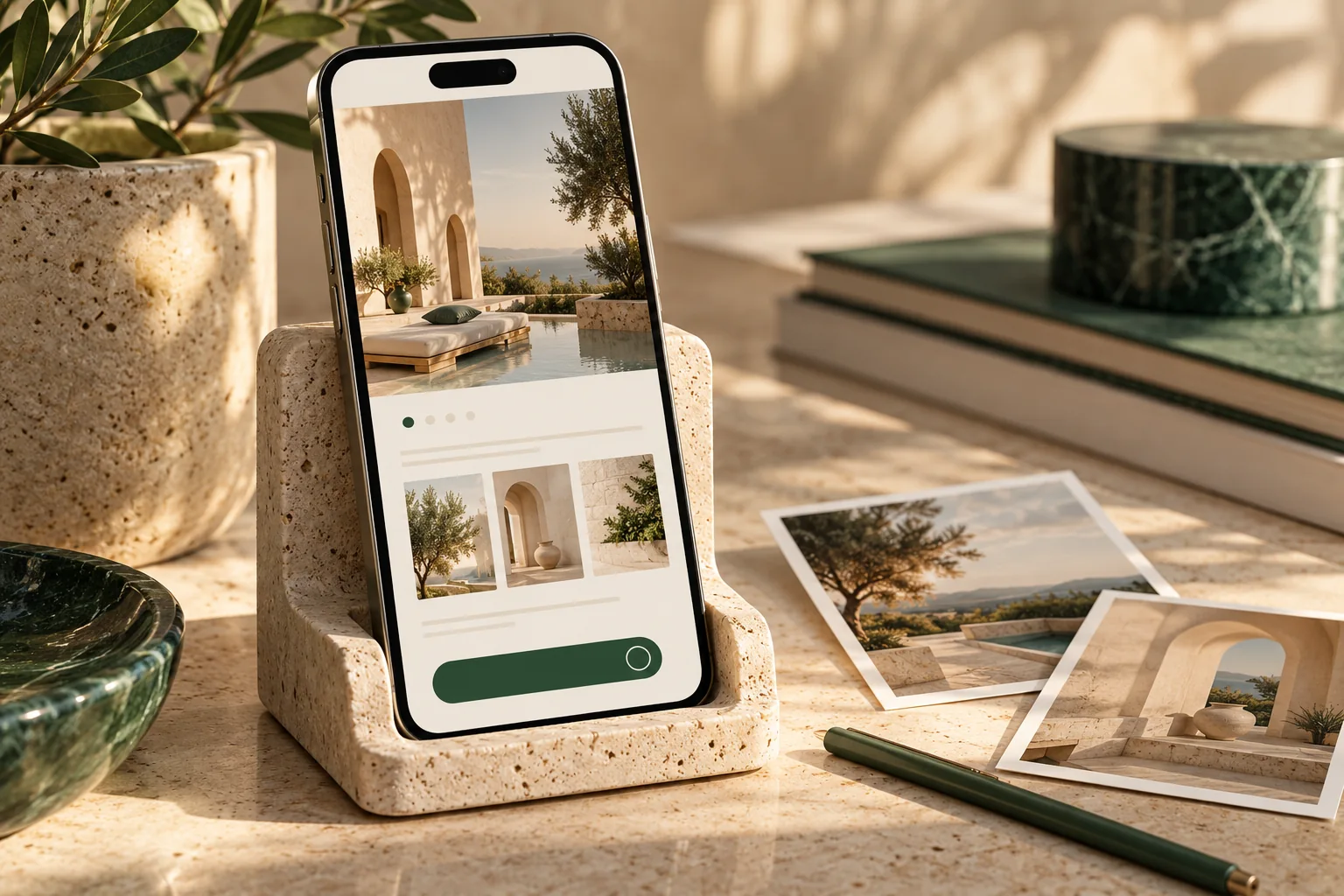
Open the public address in a browser that is not signed into your account. Ask someone else to find a service, locate contact details and try the contact action.
- Readable text without zooming
- Working contact buttons and links
- Images that load on a normal connection
- Usable forms with the keyboard open
- Essential details easy to discover
Improve the first version with feedback
Share the link with a few customers and ask specific questions: what service did they understand, could they find contact details and what was missing? Use their answers to prioritize improvements.
If you want to use Tarine’s website capability, review the template and content on your phone. Prepare the relevant product or booking information too when the next customer action is purchasing or reserving a time.